The Verified Icon is a visual badge (usually a ✔️ checkmark or a blue symbol) that shows a profile, company, or user has been officially verified by the platform.
On a site like Autohandel24.be, it means:
The business has submitted official documents (like VAT number, business registration, etc.).
The platform’s admin team has reviewed and confirmed the documents.
The badge builds trust for users and buyers, showing they’re dealing with a legitimate and reliable seller.
To create a Business Profile, you must first register an account on Autohandel24.be.
After logging in, go to your profile and in the My profile menu, under User type, select Business instead of a regular user. A new menu called Business profile will then appear automatically, allowing you to enter and manage your business details.
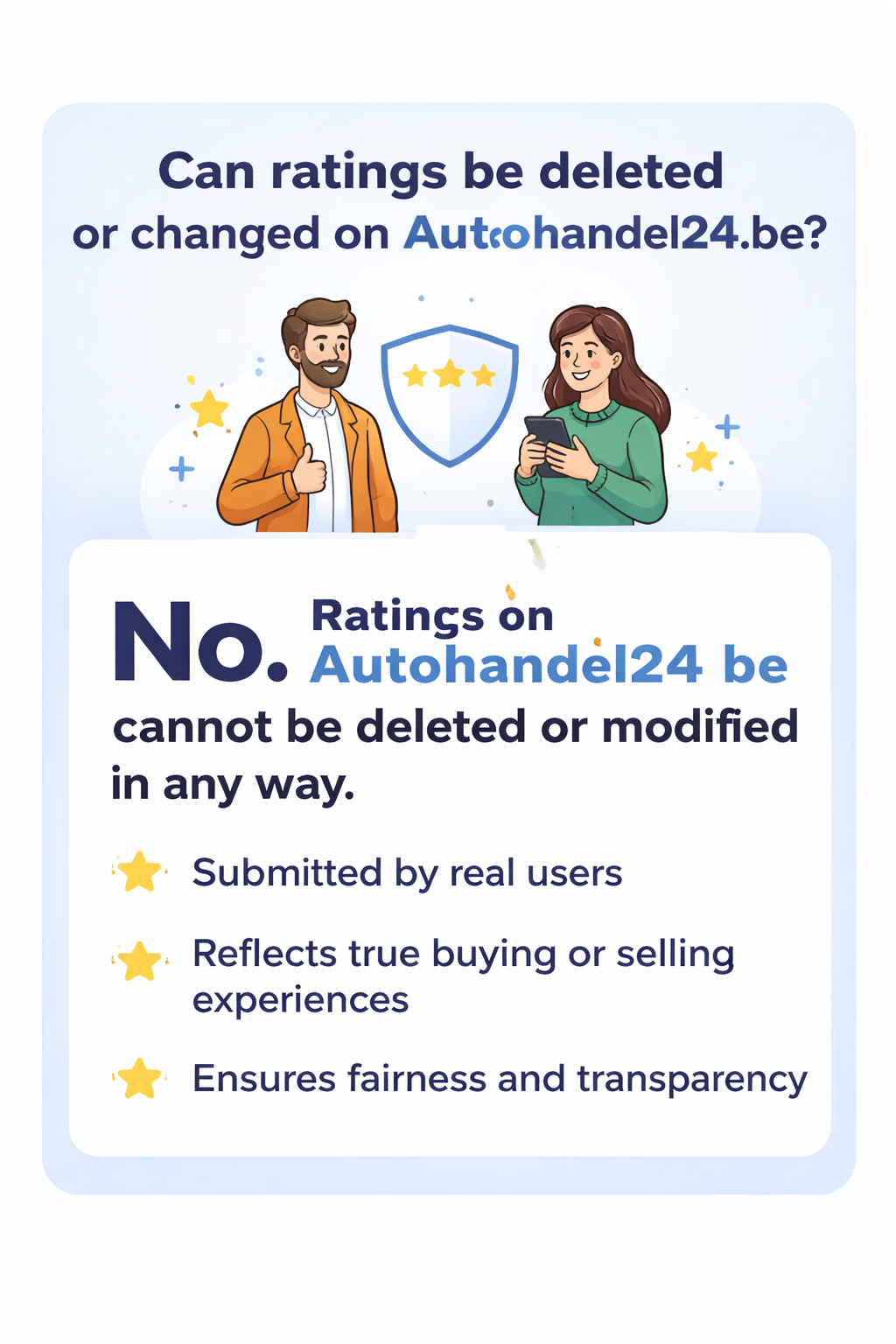
No. Ratings on Autohandel24.be cannot be deleted or modified in any way.
Autohandel24.be operates as a neutral platform between two parties: sellers and buyers. The rating system exists to reflect the real experience of users after a transaction.
Each rating:
Is submitted by a real user
Represents a personal buying or selling experience
Helps other users make informed decisions
Therefore:
Neither sellers nor buyers can request the removal or modification of a rating
Autohandel24.be does not alter or manipulate ratings
This approach ensures fairness, transparency, and trust across the platform.

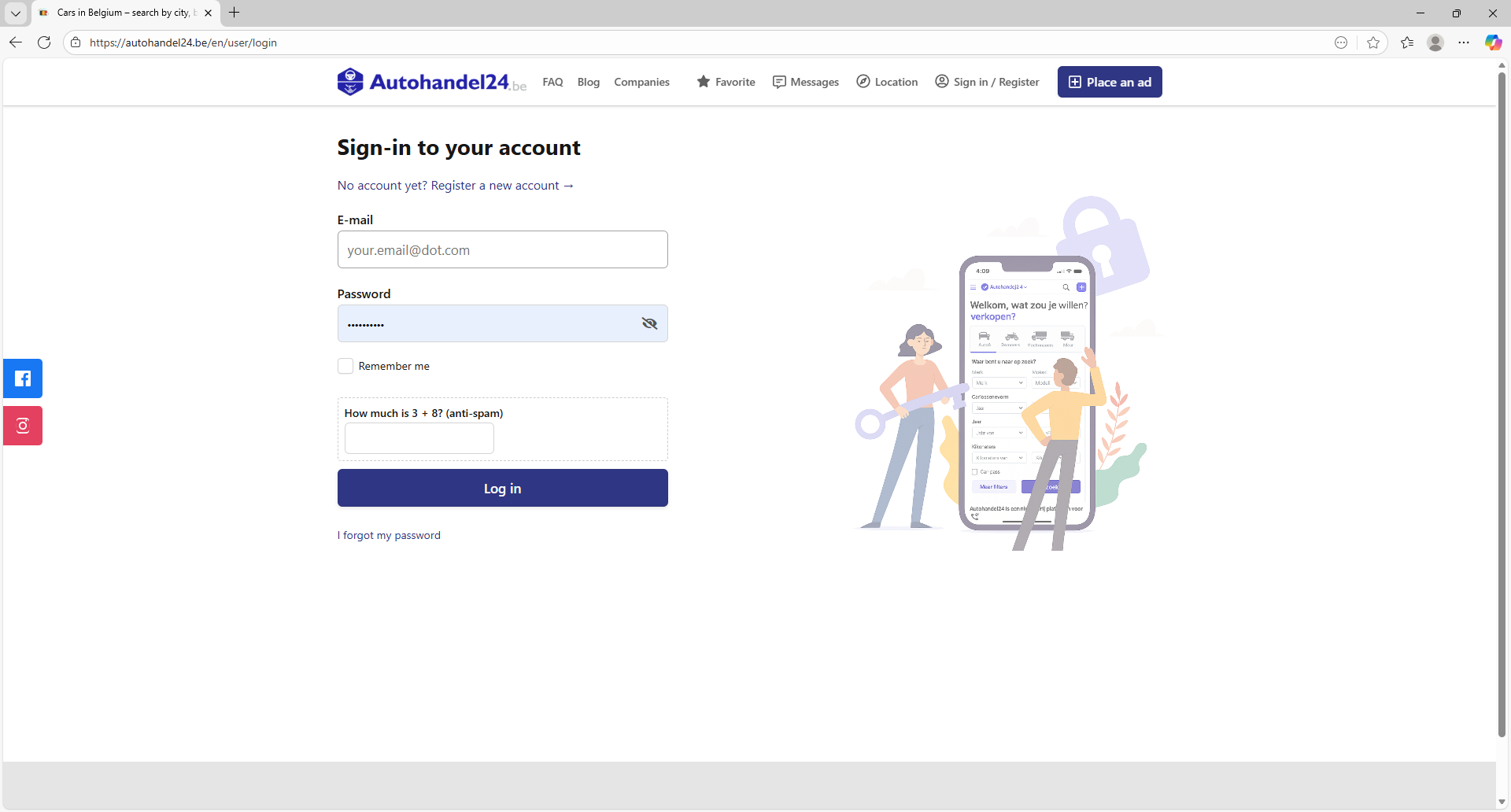
Step 1: Log in to your account
Enter your email address and password, then click Log in to access your account. If you do not
have an account yet, click Register a new account and create one.
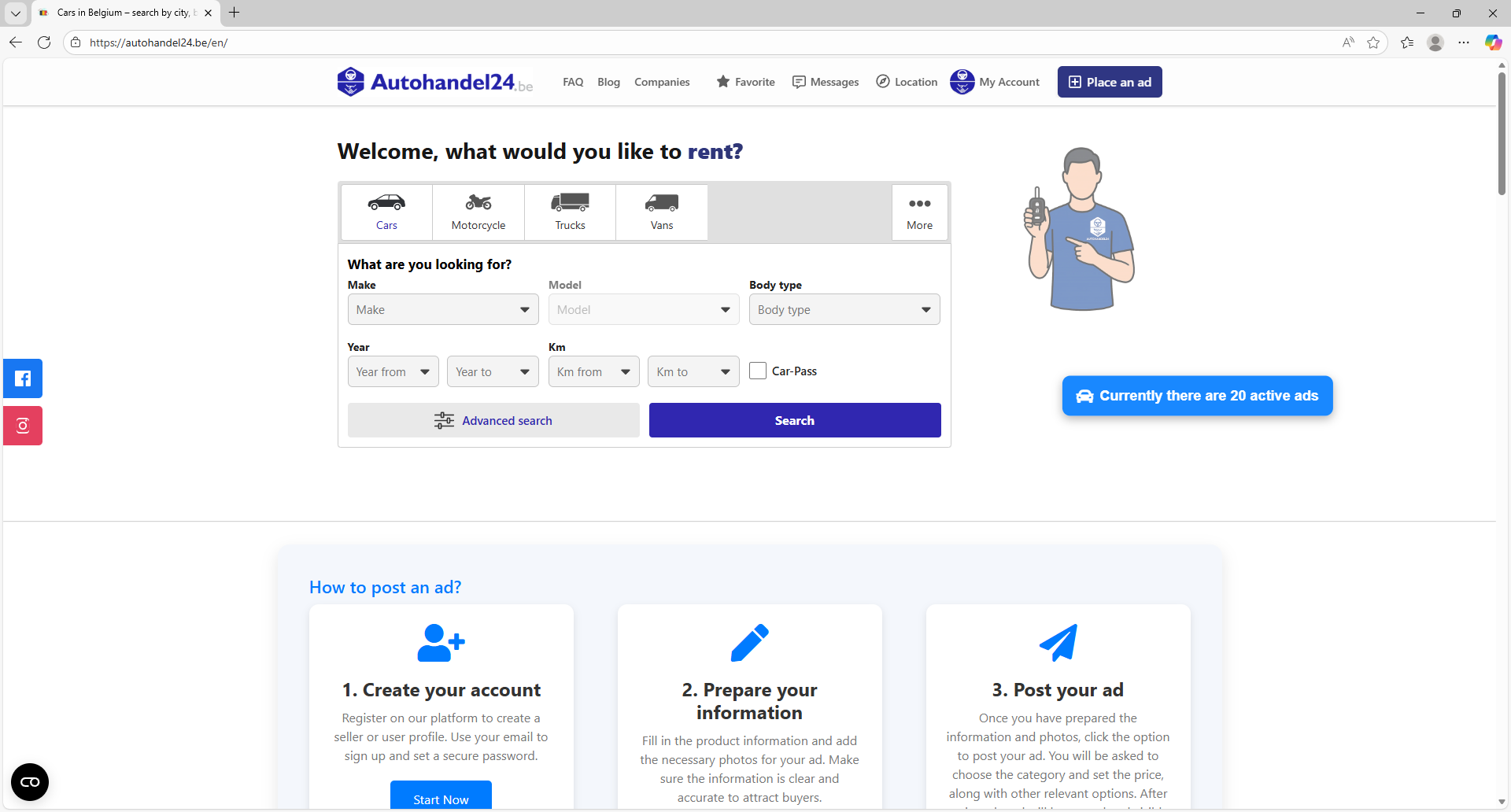
Step 2: Go to My Account
After logging in, click My Account in the top menu to access your user dashboard.
Step 3: Open My Profile
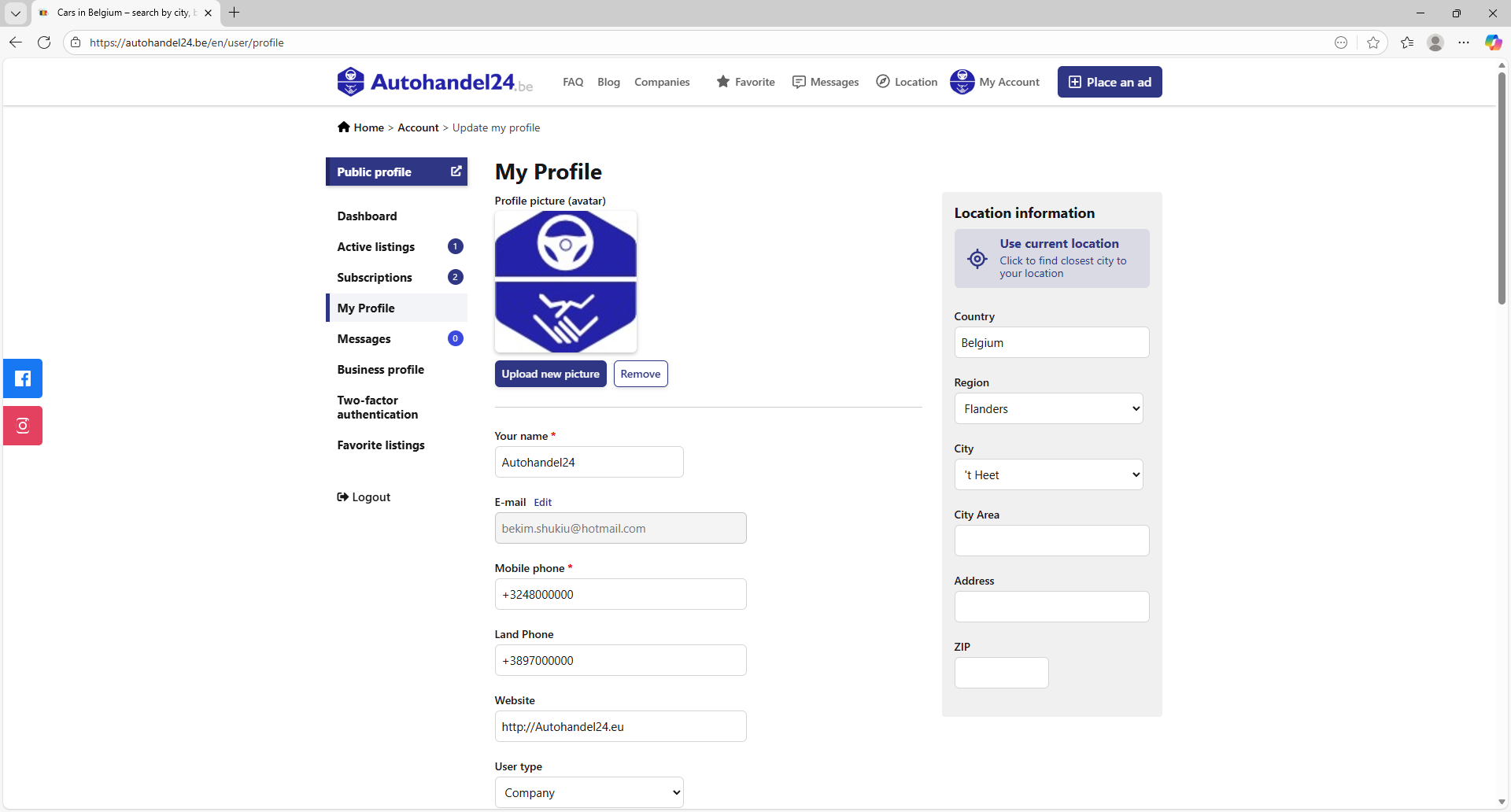
From the menu on the left, click My Profile. Here you can update your personal details and profile settings
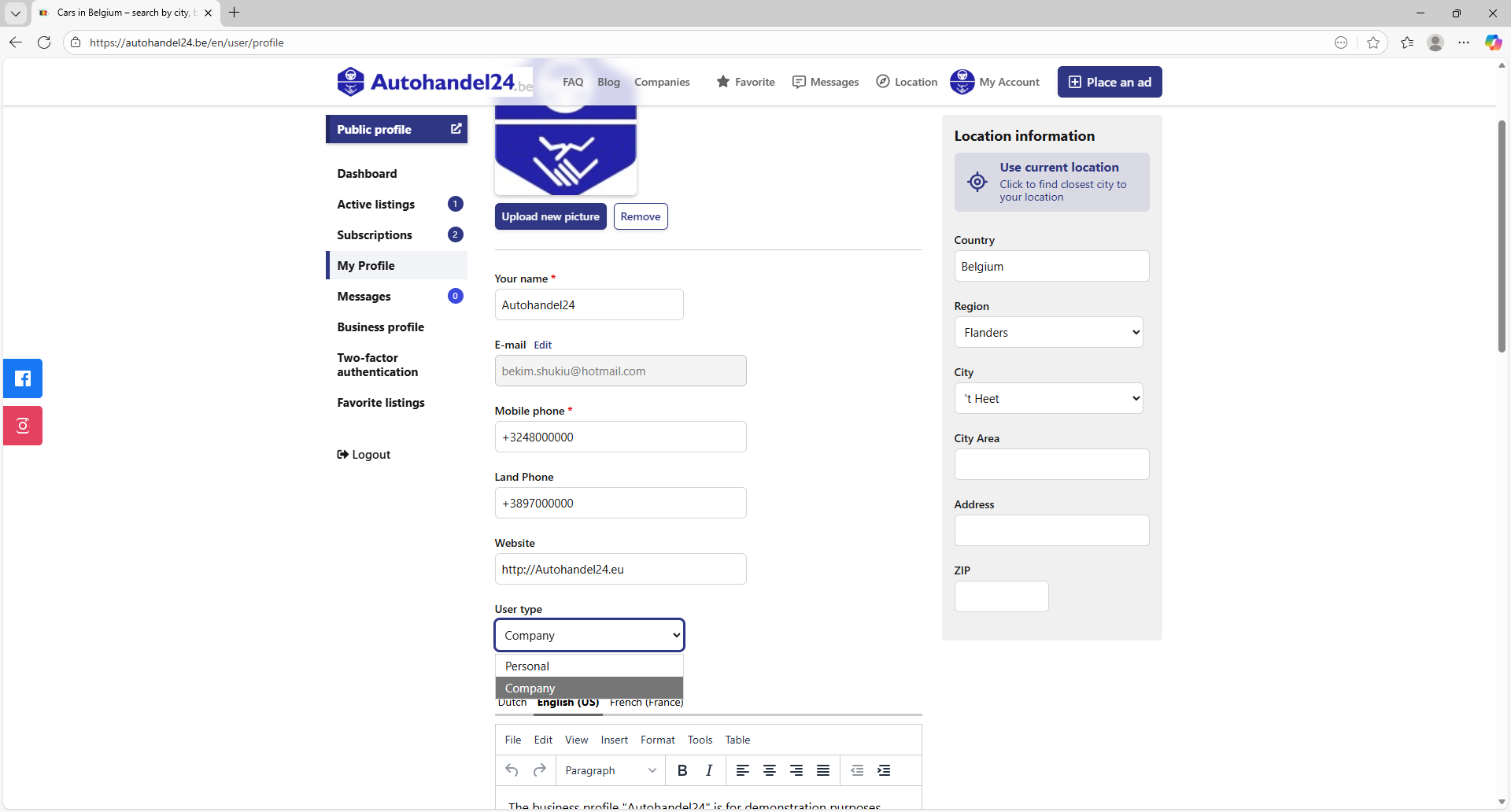
Step 4: Change account type to Company
Scroll down to the User type field and select Company. This will change your account from a
personal profile to a company profile and activate business features on Autohandel24.be.

In this video, you will see how to create an account on autohandel24.be.
If you wish to contact a seller and are not yet registered on our site, you will need to register first to send messages. Registration is simple and quick, and it will allow you to communicate directly with the seller and get answers to your questions.
Once registered, you can send messages and get the information you need about the products you're interested in.